
It's all one note
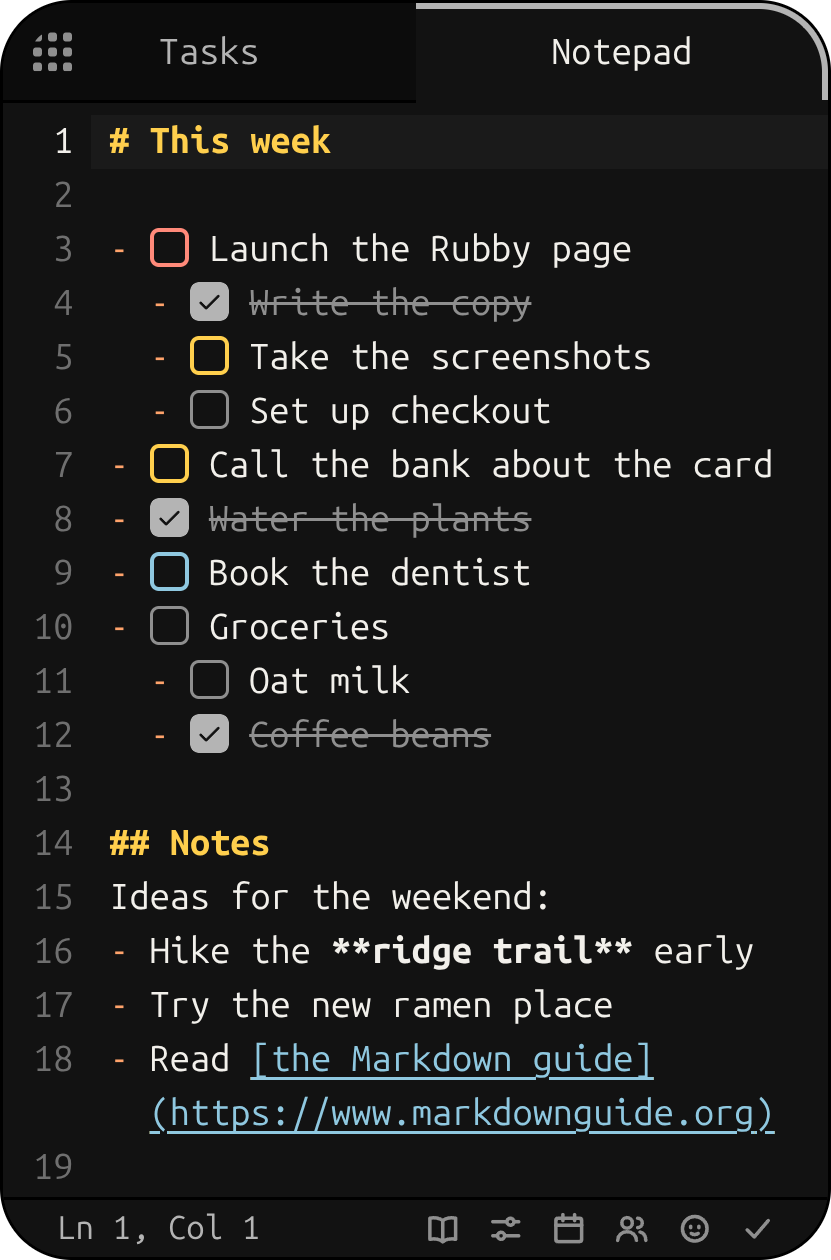
Everything you write goes into one Markdown note. Start a line with - [ ] and it's a task. Paste a picture and it stays right there, ready to draw arrows, boxes and sticky notes on.
A phone-sized notepad and task list that sits on your desktop, with a rubber duck who keeps you company.
For Windows, macOS and Linux
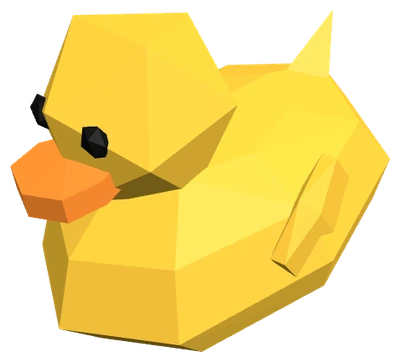
Hi! I'm Rubby. I keep your notes and tasks in a little window. Poke me, or scroll down and I'll show you around.
Everything you write goes into one Markdown note. Start a line with - [ ] and it's a task. Paste a picture and it stays right there, ready to draw arrows, boxes and sticky notes on.
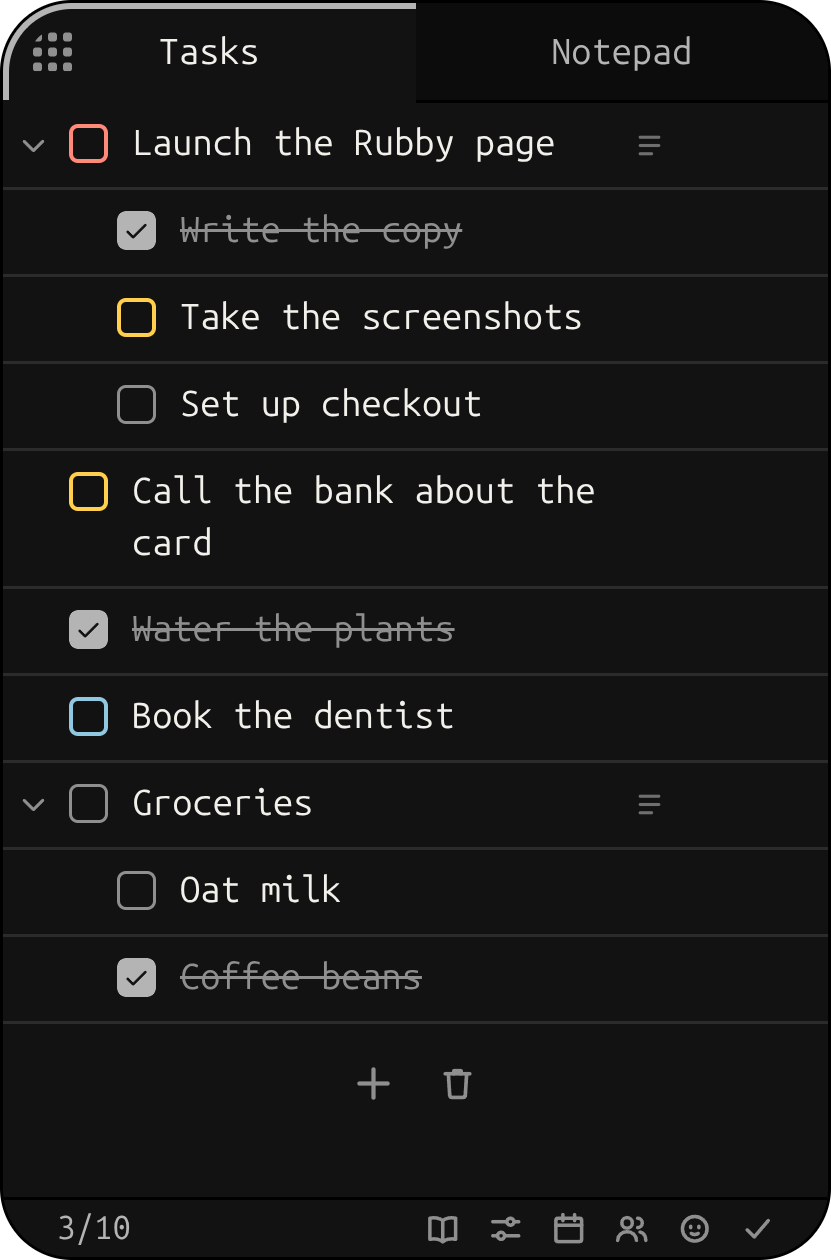
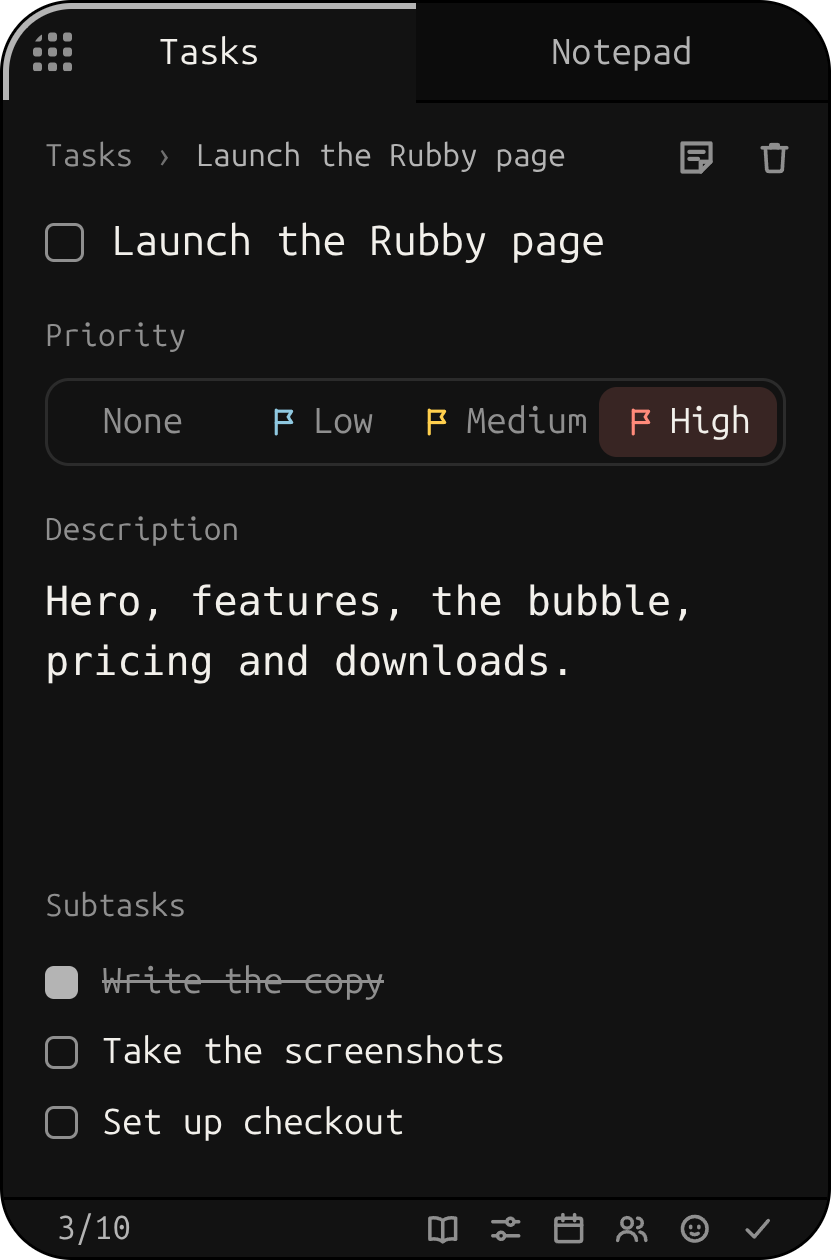
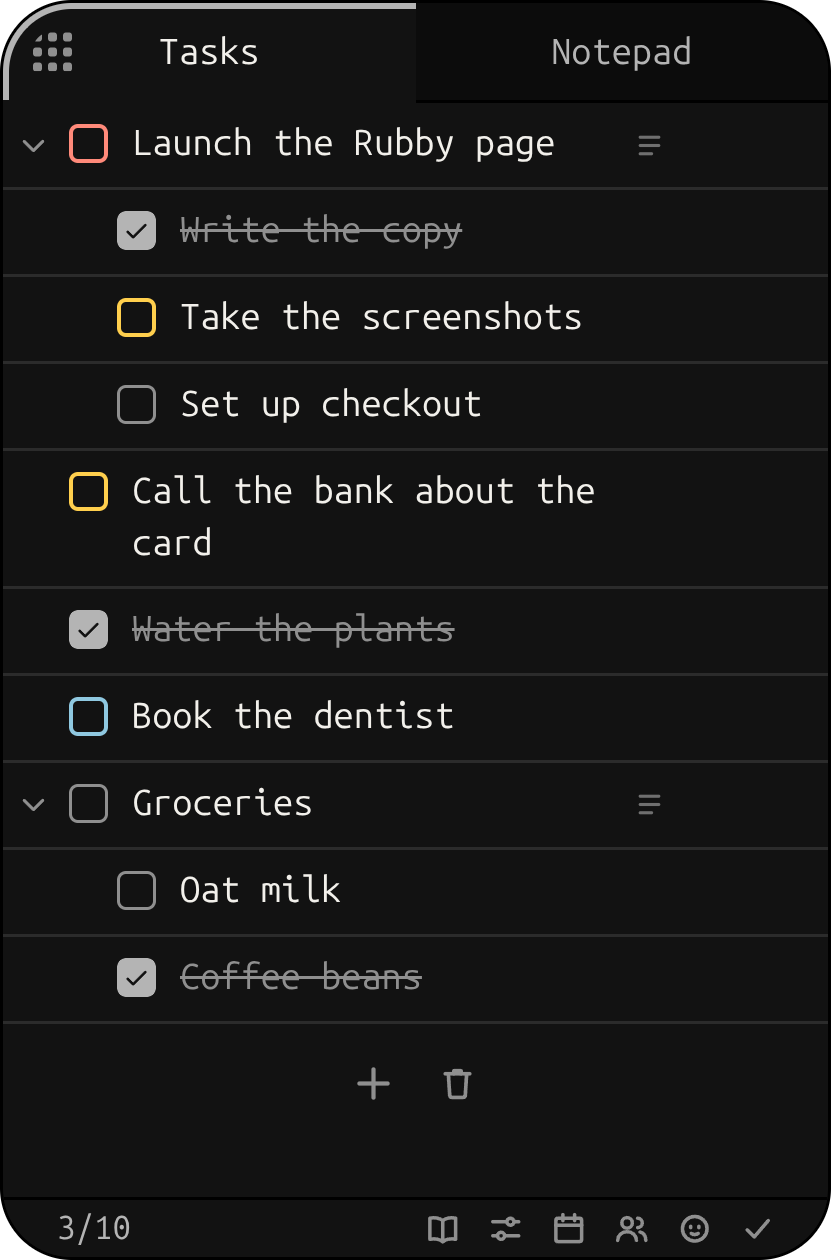
The Tasks tab is that note as a list. Tick things off, nest subtasks, give a task a priority and a description. Change it in either tab and both agree.
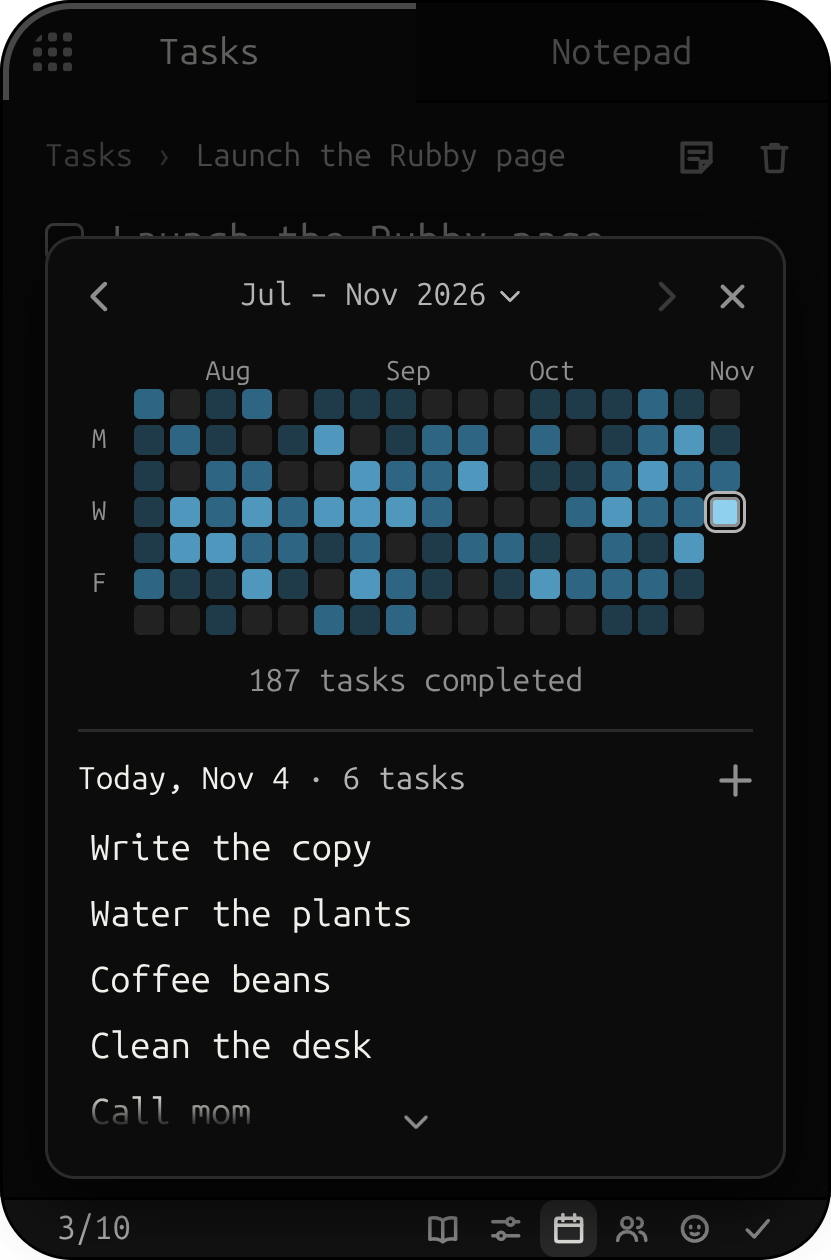
Everything you finish lands on the calendar, under the day you wrote it down. Pick a day to see what you got done.
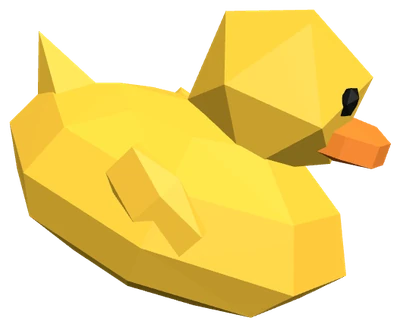
Press F4 and the whole app shrinks into me, a little bubble on your desktop. Click me and tell me a task: it comes out of my beak and goes straight onto your list. Press F4 again and the app comes back.

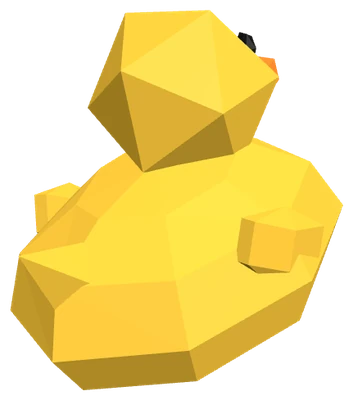
Check off the last thing on your list and I do a little spin for you. Ticking tasks off sounds like a good mechanical keyboard, too (you can turn sounds off).

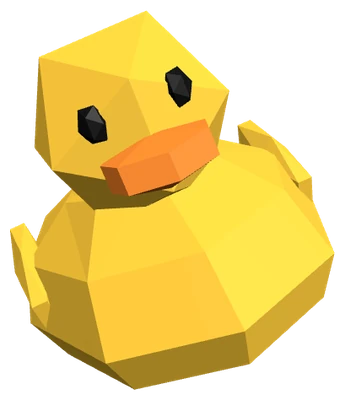
Each one is named for a duck. Mine's the default: Rubby, plain black, where I'm my yellow self. Pick one and I change colour to match.
The arrow keys move around the whole app. These do the rest:
On a Mac, ⌘ instead of Ctrl.
Your notes never leave your computer: one plain Markdown file, saved as you type, that any editor can open.
Your Rubby account only holds your licence: Rubby Notes signs in once through your browser, then works offline too, checking in every few days.
Racing your friends is up to you: if you join, they see your username, your duck and how many tasks you finish, never what they are.
Rubby Notes speaks English and Spanish, and follows your system's language.
Rubby Notes is $9.99, once, and it's yours for life. Say the word and I'll be on your desktop in no time.
$9.99 once
Yours for life, with every feature and its updates.
from $1.99 a week
Every Rubby app, today's and the ones to come, while you keep it.
One payment, yours for life, with its updates and a 30-day refund. Cards, Apple Pay and Google Pay; paying in pesos, cash at OXXO too.
Installer (.exe)
Disk image (.dmg)
AppImage, 64-bit
Bought it already? Sign in to your account for your downloads.