
It's all one note
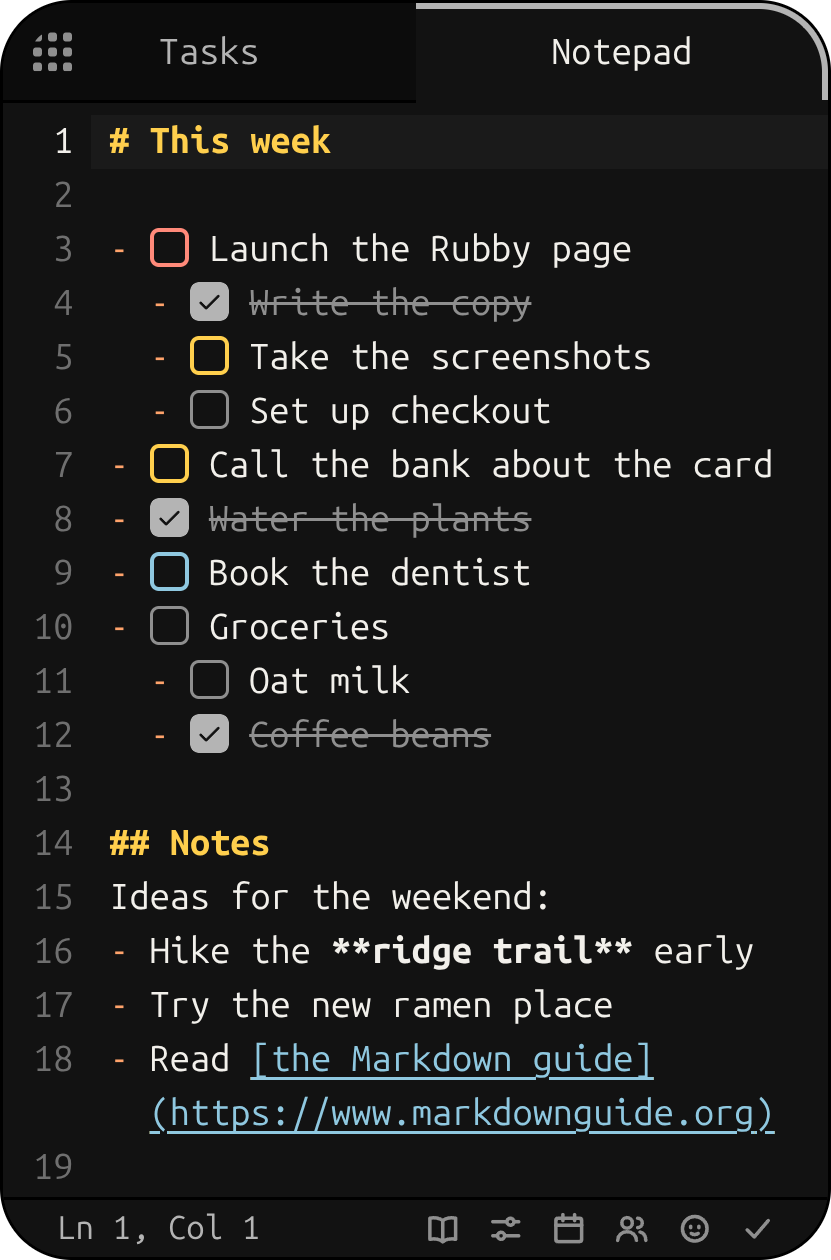
Everything you write goes into one Markdown note. Start a line with - [ ] and it's a task. Paste a
picture and it stays right there, ready to draw arrows, boxes and sticky notes on.
A phone-sized notepad and task list that sits on your desktop, with a rubber duck who keeps you company.
For Windows, macOS and Linux
Hi! I'm Rubby. I keep your notes and tasks in a little window. Poke me, or scroll down and I'll show you around.
Everything you write goes into one Markdown note. Start a line with - [ ] and it's a task. Paste a
picture and it stays right there, ready to draw arrows, boxes and sticky notes on.
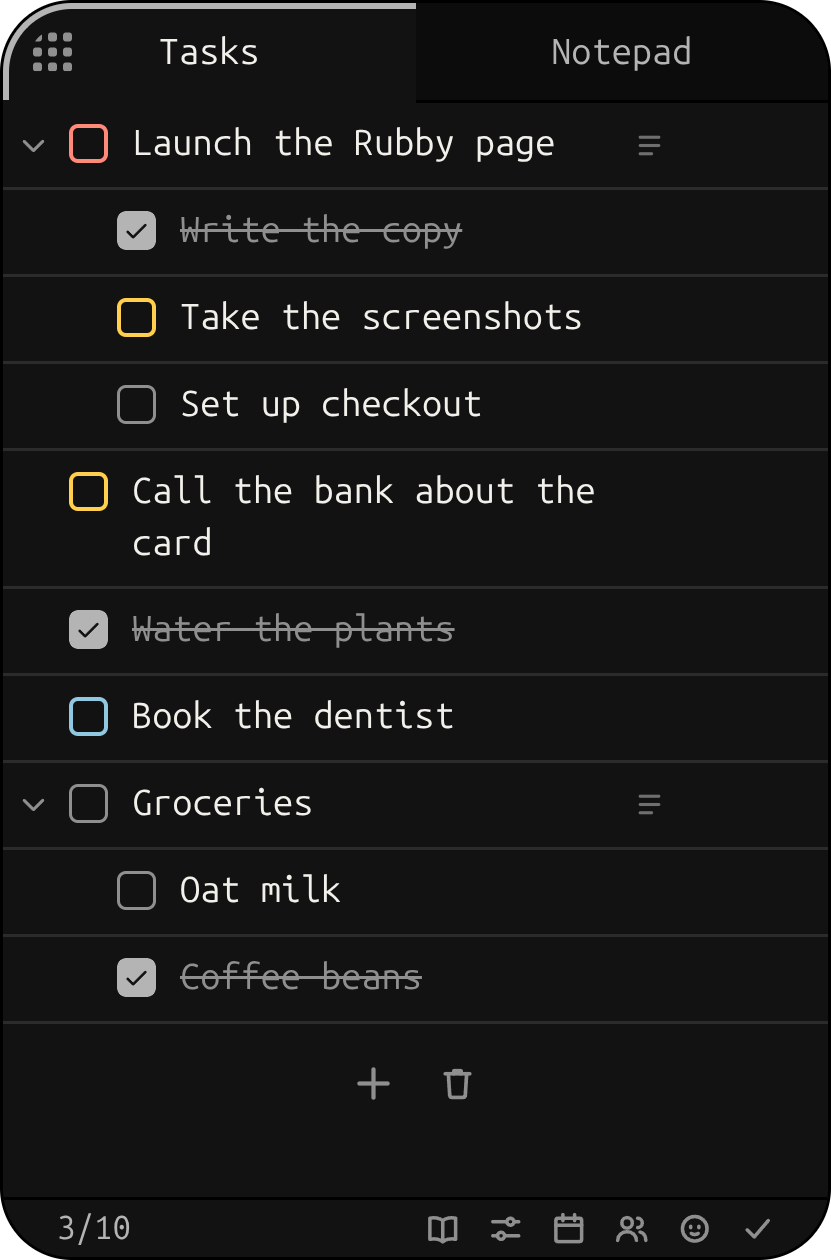
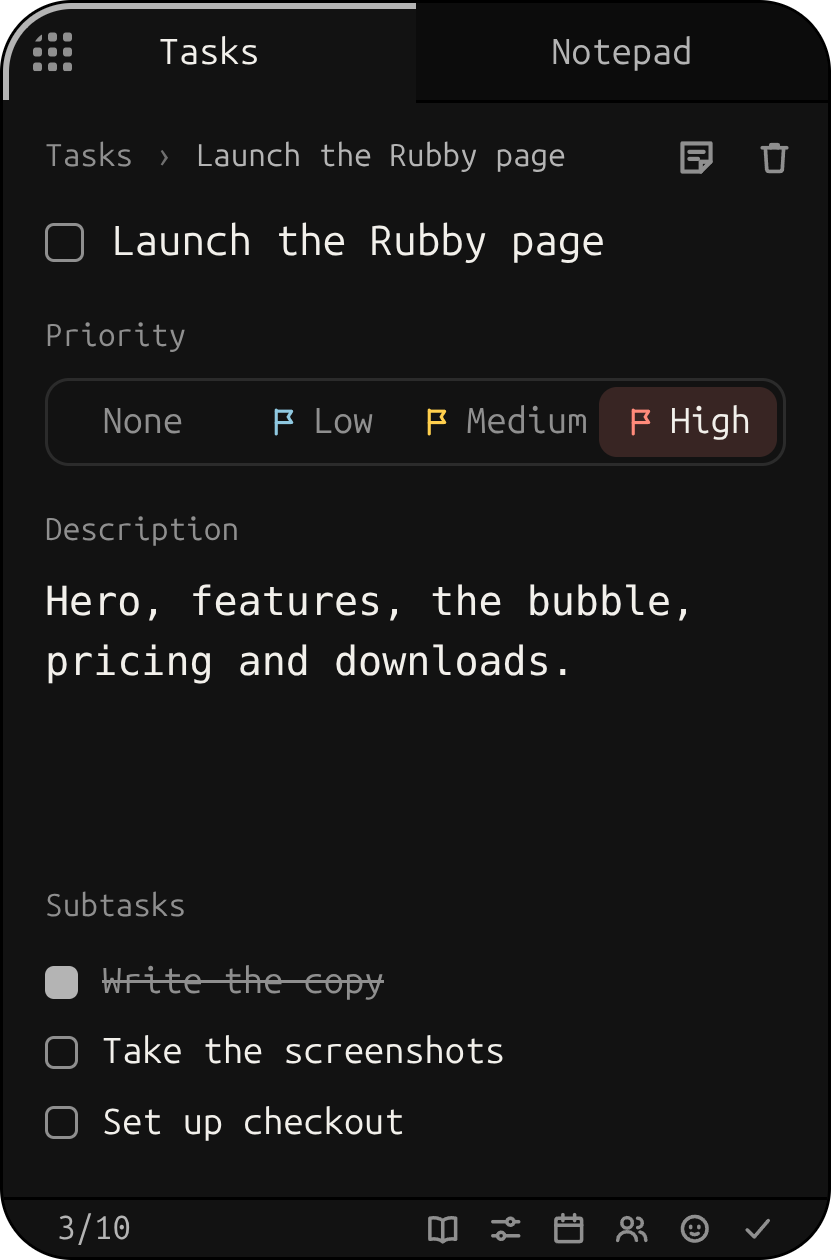
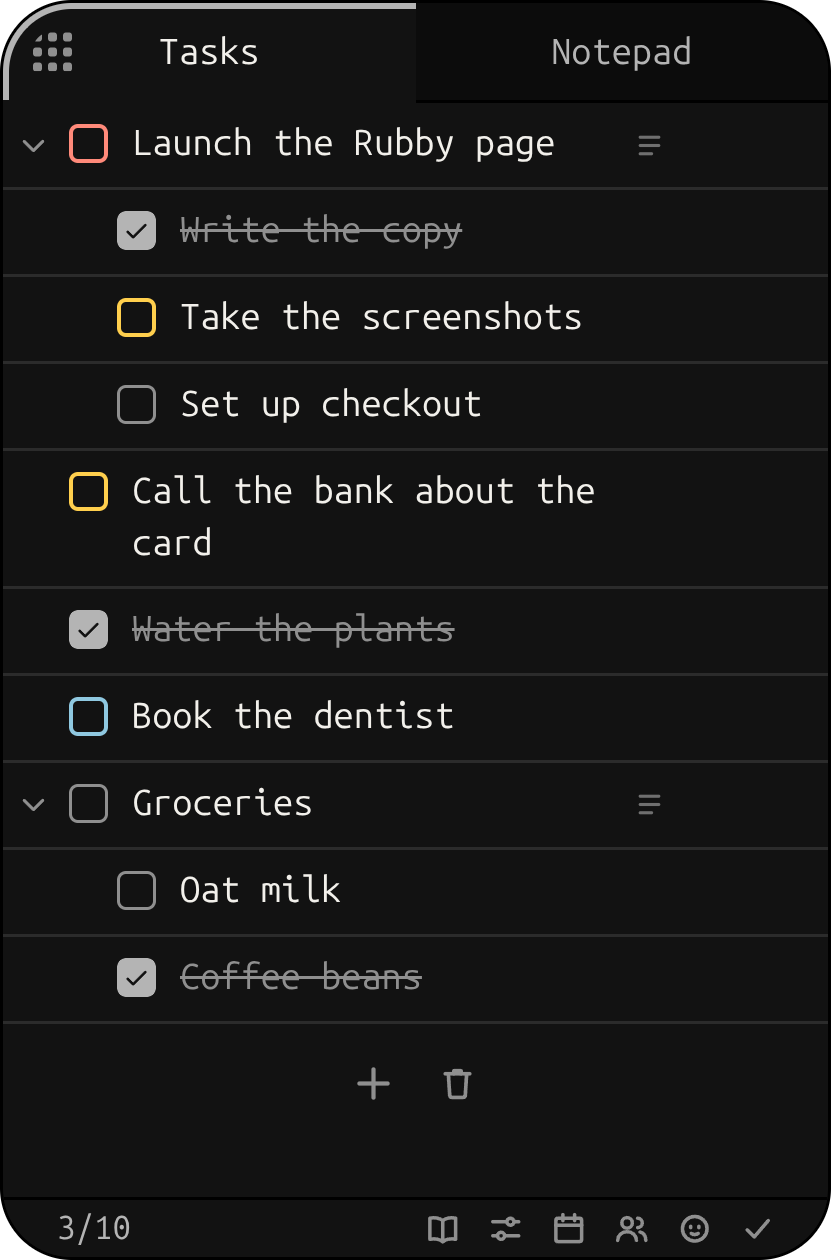
The Tasks tab is that note as a list. Tick things off, nest subtasks, give a task a priority and a description. Change it in either tab and both agree.
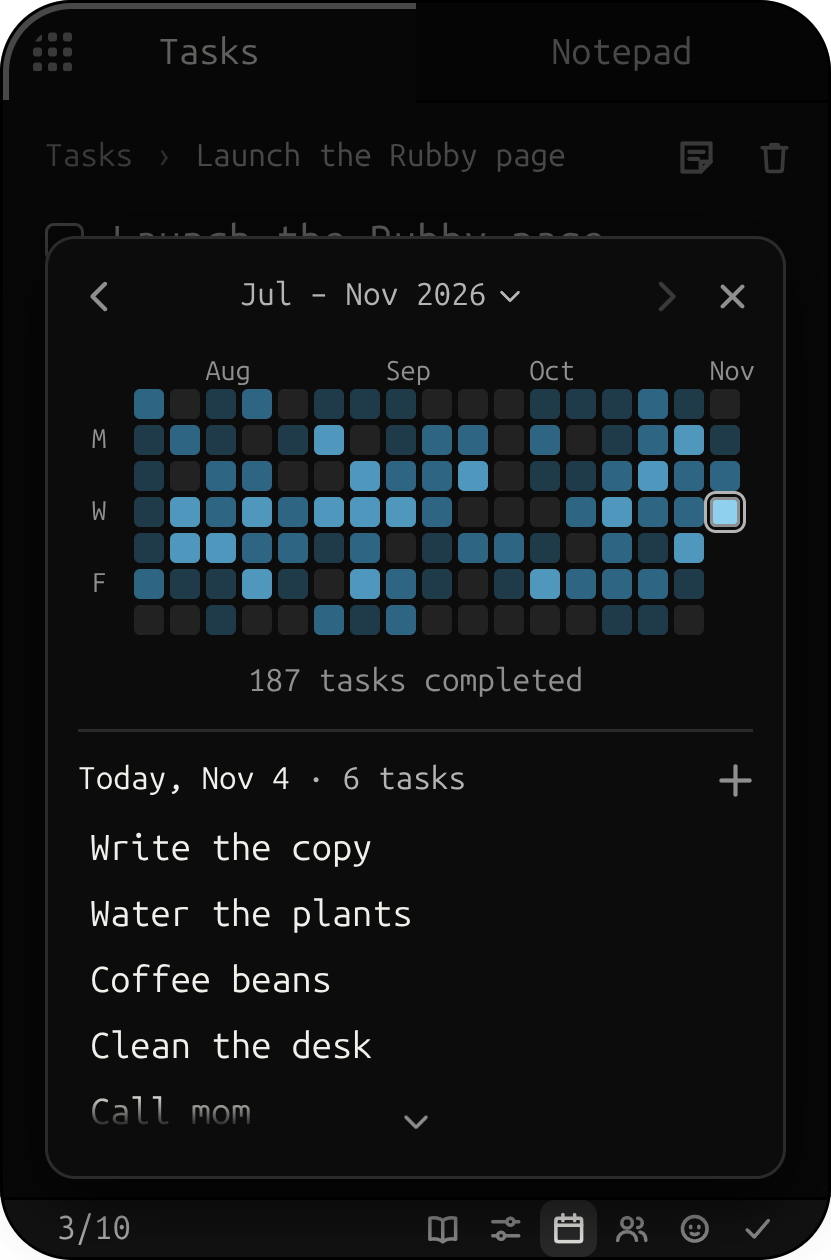
Everything you finish lands on the calendar, under the day you wrote it down. Pick a day to see what you got done.
Press F4 and the whole app shrinks into me, a little bubble on your desktop. Click me and tell me a task: it comes out of my beak and goes straight onto your list. Press F4 again and the app comes back.

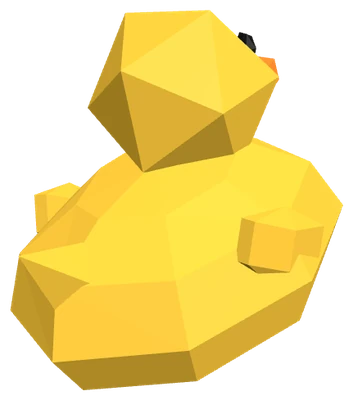
Check off the last thing on your list and I do a little spin for you. Ticking tasks off sounds like a good mechanical keyboard, too (you can turn sounds off).

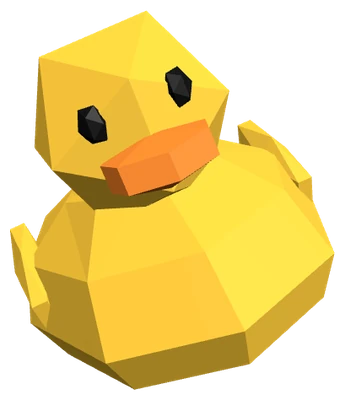
Each one is named for a duck. Mine's the default: Rubby, plain black, where I'm my yellow self. Pick one and I change colour to match.
The arrow keys move around the whole app. These do the rest:
On a Mac, ⌘ instead of Ctrl.
Your notes never leave your computer: one plain Markdown file, saved as you type, that any editor can open.
Your Rubby account only holds your licence: Rubby signs in once through your browser, then works offline too, checking in every few days.
Racing your friends is up to you: if you join, they see your username, your duck and how many tasks you finish, never what they are.
Rubby speaks English and Spanish, and follows your system's language.
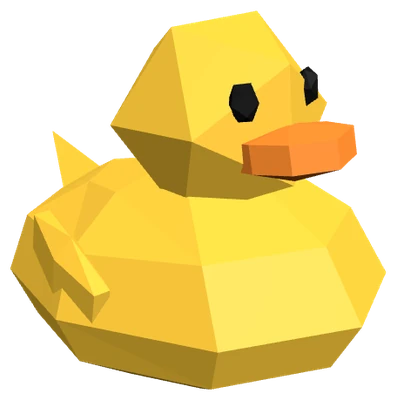
I'm $9.99. Pick your computer and I'll be on your desktop in no time.
Installer (.exe)
Disk image (.dmg)
AppImage, 64-bit
One payment of $9.99 gets you Rubby for all three systems, on up to 3 computers at once, with a 30-day refund. Cards, Apple Pay and Google Pay; paying in pesos, cash at OXXO too.
Bought it already? Sign in to your account for your downloads.